
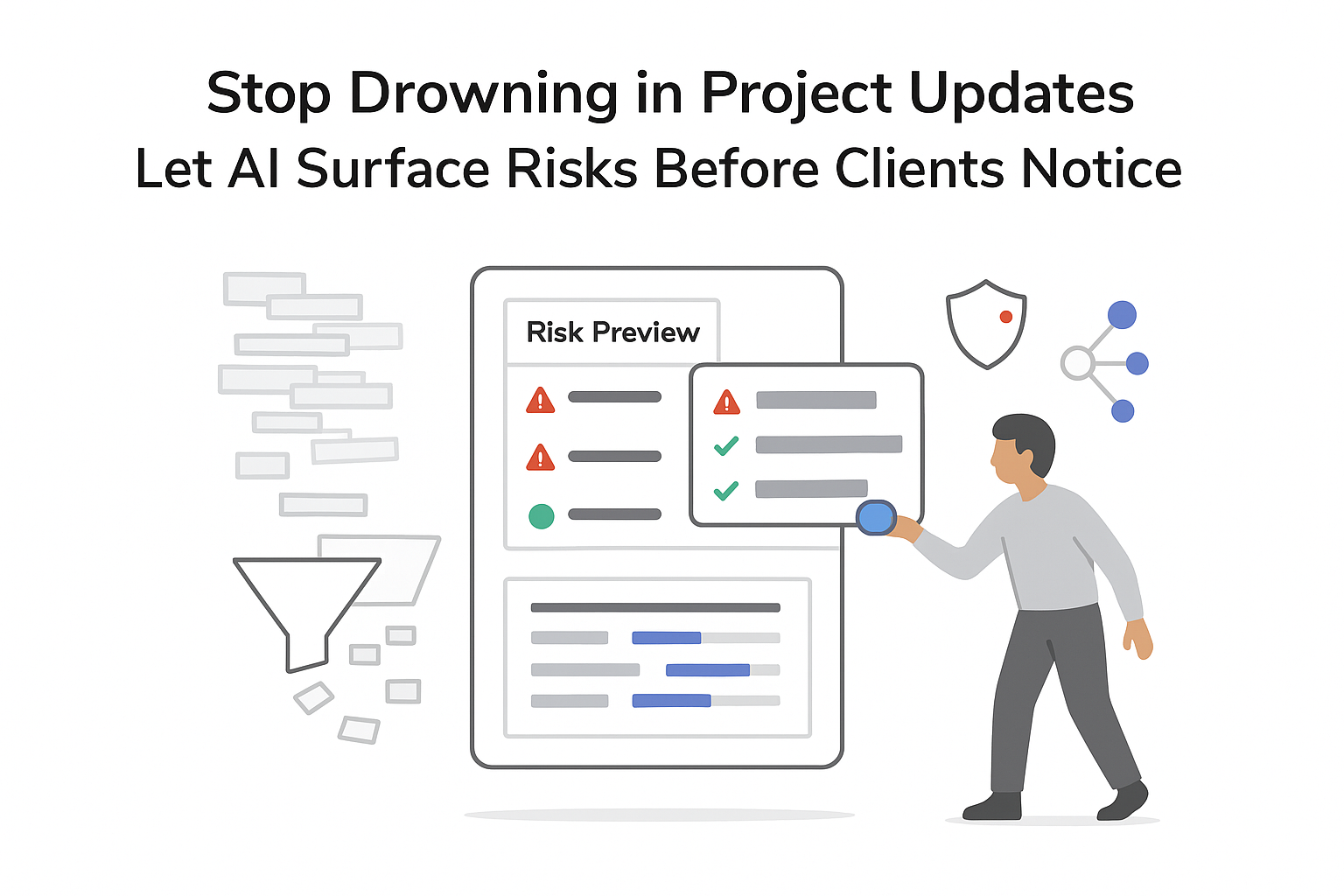
I did not build a service company so I could live in Gantt charts and color-coded spreadsheets. Yet I can still end up there: juggling client projects, retainers, SLAs, and internal initiatives until planning the week starts to feel like a second job. Too much time goes into chasing status updates, reacting to surprises, and trying to guess which dependency is about to blow up a deadline.
AI will not fix a weak offer or a broken sales process. But used well, AI project planning tools can reduce coordination overhead. They can turn messy notes into a usable plan, surface workload constraints early, and highlight risks before a client experiences them. For a B2B service business, that shift matters because predictability protects margins, timelines, and trust.
AI project planning for B2B service companies: what actually changes
Founders of agencies, consulting firms, and IT service companies usually hit the same wall: projects keep closing, headcount grows, but planning still happens across a maze of sheets, email threads, and “the PM tool nobody fully trusts.” When I ask for an update, I get three different answers. Key dependencies - design before dev, client approval before rollout, legal review before kickoff - sit in people’s heads instead of in a system that stays current.
AI planning features aim to do three things well:
- Extract structure from unstructured inputs (meeting notes, call transcripts, SOWs, emails).
- Keep the plan current as reality changes (slips, new requests, capacity shifts).
- Reduce the reporting tax (summaries, status updates, risk flags) without forcing everyone to write long updates.

In practice, AI works best as an assist layer across the tools I already use, not a magic replacement for disciplined delivery. My CRM can still track deals, my time tracker can still log hours, and my team can still run projects in a familiar workspace. The AI value shows up when the shared, up-to-date plan stops being a manual, fragile artifact. If your planning foundation is fuzzy, start by clarifying what belongs on the roadmap versus what belongs in the delivery plan - see The product roadmap vs. the release plan for a clean mental model.
And if you want a baseline structure before adding AI on top, it helps to Build the roadmap first - then let AI help translate that structure into project phases, tasks, and dependencies.
How AI reduces coordination overhead (and where it doesn’t)
AI project management is less mysterious than it sounds. It’s mostly a set of helpers inside planning tools that take on repetitive work, such as:
- Summarising notes and SOWs into a clear scope
- Turning bullet points into structured task lists
- Suggesting priorities and draft due dates
- Highlighting workload and capacity issues
- Flagging timeline or dependency risks early
That said, I treat AI output as a draft. It can miss context, invent details, or propose timelines that ignore client constraints. The win is speed to a first usable version, not perfect plans.
Here’s the practical shift I typically see when teams lean on AI for the first pass and humans for decisions:
| Aspect | Manual planning | AI-assisted planning |
|---|---|---|
| Time to create a first plan | Hours per project | Often minutes to a workable draft |
| Timeline quality | Memory and guesswork | Informed by workload signals and task relationships |
| Visibility for leaders | Scattered across threads | Centralised views of work and capacity |
| Risk detection | After something slips | Earlier warnings when upstream work moves |
| Human effort | Formatting and chasing updates | Trade-offs, coaching, expectation-setting |
AI does not replace judgment. It shifts my attention away from admin and toward leadership: priorities, client communication, and the inevitable “what do we de-scope to hit the date” conversations. If you’re coordinating complex timelines, pairing AI with solid visualization helps - Drive launch success with the new Gantt chart is a good reference point for what “clear dependencies + readable timelines” looks like.
Tools worth knowing (and what each is best at)
I don’t need a hundred tools. I need one primary place where work lives, plus (maybe) a supporting tool that makes scheduling or collaboration less painful. The tools below are popular examples in this space; what matters is less the brand name and more the workflow fit.
Notion AI
Notion AI is strong when planning starts as messy notes: kickoff docs, discovery findings, strategy memos, and SOPs. I can capture everything in one page, ask AI to summarise goals, scope, and risks, and then turn that into phases and tasks. Notion also doubles as a knowledge base, which helps when I want project templates and SOPs next to the plan. The tradeoff: it benefits from some upfront structure (consistent databases for clients, projects, and tasks).
Asana AI
Asana tends to shine for portfolio visibility and workload management. When I’m running many concurrent client accounts, the ability to see who is overloaded (and which projects are drifting) becomes more valuable than fancy documentation. AI features are most useful when they surface risk patterns early - like the same person being a dependency across multiple deadlines.
ClickUp AI
ClickUp AI is helpful when the bottleneck is turning vague objectives into clear, executable tasks. AI-generated task briefs and checklists can reduce back-and-forth and prevent “I didn’t realise that was included” misunderstandings - especially for recurring work like onboarding, campaign launches, incident response, or QBR prep.
Motion
Motion sits closer to the calendar. Instead of improving the plan itself, it helps make the plan realistic at the individual level by auto-scheduling tasks around meetings and reshuffling when the day changes. This can be particularly useful when I’m both leading and doing delivery work.
Kumospace (and similar virtual collaboration tools)
Kumospace can support planning sessions for distributed teams. The value here isn’t AI - it’s creating more natural workshops for kickoffs, quarterly planning, or retrospectives. The practical move is to capture outcomes cleanly so they can be turned into tasks and timelines afterward.
Planning and tracking dependencies with AI (where service projects break)
Dependencies are where service delivery usually cracks. Client copy must be approved before publishing. Legal needs to review before kickoff. A design system decision blocks development. When these links are explicit and kept current, the work feels calmer. When they’re not, I get surprise delays and awkward client conversations.
First, AI can suggest likely dependencies at the start. When I feed a kickoff summary or SOW into an AI assistant, I can ask it to identify tasks that appear sequential or approval-gated (for example, “finalise tracking plan” before “implement analytics events,” or “client sign-off received” before “publish case study”).
Second, it can visualise downstream impact as tasks move. Instead of a static timeline that no one updates, I get living boards or timelines that show which tasks are now blocked and what dates become tight.
Third, it can monitor dependency risk. When upstream work is overdue and there’s no progress signal, AI-powered alerts can nudge me to intervene earlier - before the issue turns into a client escalation. For concrete dependency patterns and fixes, see Better ways to track dependencies.
I still need clean inputs for this to work: clear owners, a consistent definition of “done,” and a habit of updating tasks when reality changes.
How I would implement AI planning without a big rollout
The teams I’ve seen benefit most treat AI adoption as a series of small experiments tied to real delivery - not a grand transformation.
If I were rolling this out in a B2B service business, I’d do it like this:
- Document the current friction in plain language: where information lives, where handoffs break, where deadlines slip, and what updates are hardest to get.
- Pick one primary planning hub (Notion or Asana or ClickUp) and commit to it for a single pilot project.
- Run a 30-day test on one engagement, using AI for the first draft of scope, tasks, and status summaries - while keeping human review for commitments and timelines.
- Standardise what works: save templates for recurring project types, keep a small set of prompts the team reuses, and write down the rules of the road (owners required, due dates required, definitions of done).
- Measure impact with grounded signals: time spent planning per project, number of mid-sprint surprises, missed deadlines, and how quickly I can answer “where are we?” when a client asks.
I also keep training lightweight: short internal notes, a couple of examples, and reinforcement in real projects. AI adoption sticks when it removes pain (late-night replanning, unclear ownership), not when it’s introduced as a mandate. If your biggest time sink is turning conversations into decisions and next steps, borrowing the same approach used in meeting swarm summaries that output decisions, owners, and deadlines via AI can make project planning inputs dramatically cleaner.
Limits, risks, and good hygiene (so AI doesn’t create new problems)
AI planning features can create failure modes if I’m not careful.
Confidentiality and compliance
Client transcripts, SOWs, and internal notes can be sensitive. I need clear rules on what can be pasted into AI, what must be anonymised, and what requires approved tooling and settings. If you operate in regulated environments, it’s worth establishing guardrails similar to secure AI sandboxes and data access patterns for marketers before you scale usage across client work.
Hallucinations and overconfidence
AI can invent requirements, misread scope, or propose timelines that ignore client availability. I treat AI output as a draft and require a human to confirm scope, dependencies, and acceptance criteria before anything becomes a commitment.
Garbage in, garbage out
AI cannot fix missing ownership, unclear priorities, or a culture where nobody updates tasks. The best results come when I pair AI with simple execution hygiene: one owner per task, clear deadlines, explicit dependencies, and a consistent cadence for updating status.
Used with those guardrails, AI project planning isn’t magic - but it is very good at the repetitive, draining parts of coordination. That leaves more time for what actually grows a service business: strong delivery, clear expectations, and better decisions under constraints.



.svg)

.svg)
.svg)