
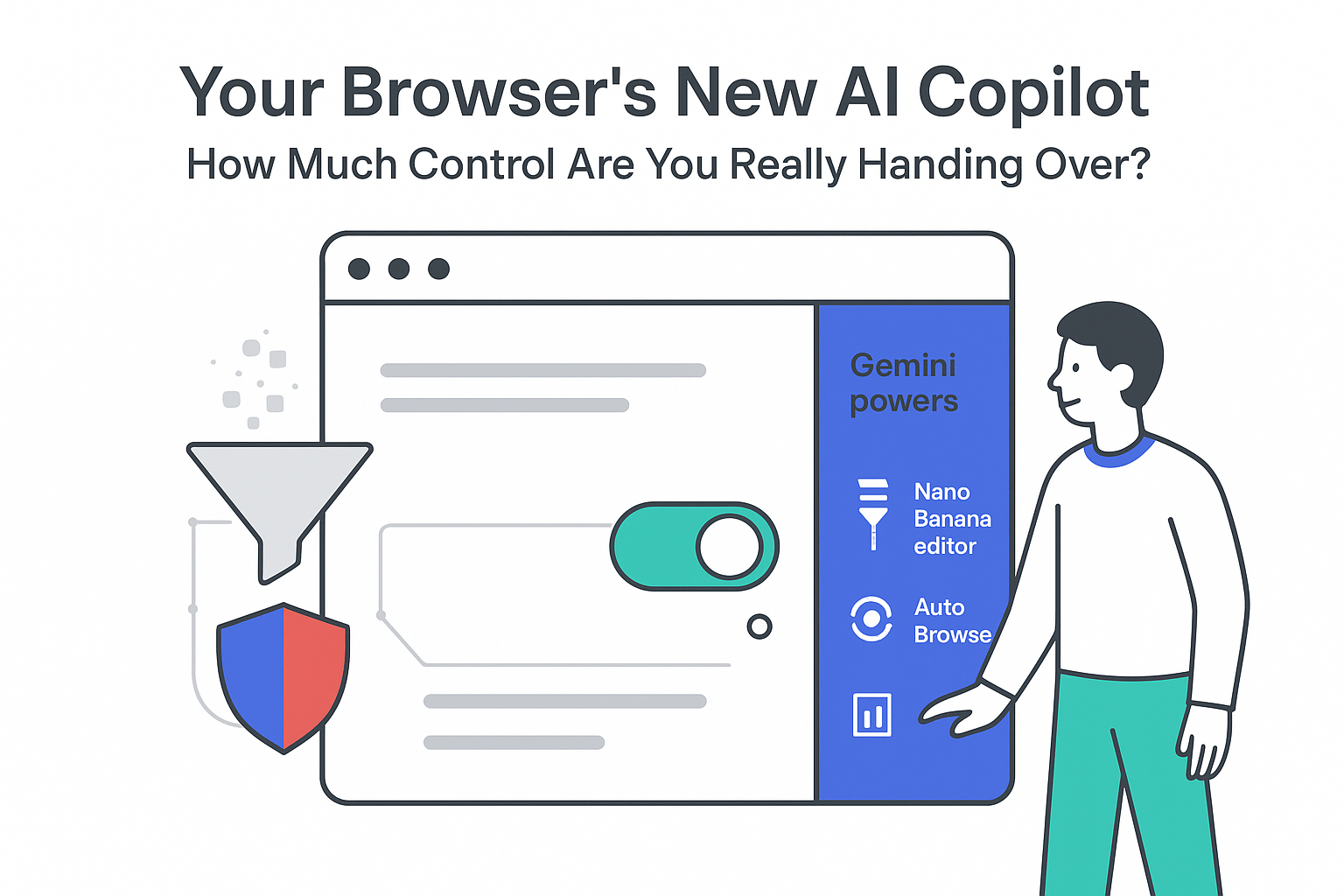
On January 12, 2026, Google updated Chrome on Windows, macOS, and Chromebook Plus with three Gemini-based AI features: a built-in chat side panel, an Auto Browse agent, and a Nano Banana in-browser image editing tool. The company positioned the release as part of its broader Personal Intelligence initiative.
Key Details
Chrome's Gemini integration now keeps AI assistance inside the browser, introduces in-page image editing, and adds automated browsing for paid Gemini tiers.
- The update applies to Chrome on Windows, macOS, and Chromebook Plus.
- The AI side panel opens alongside the active tab and connects directly to Gemini for multitasking.
- Before activation, users must agree to share visited URLs and browsing data with Google for AI features.
- Nano Banana edits images currently displayed in the browser, without separate downloads or uploads.
- Chrome Auto Browse is limited to Gemini AI Pro and Ultra subscribers and can act on behalf of the user online.
AI side panel for Gemini chat
The new side panel lets users start a Gemini conversation without leaving the active tab. In a product blog post, Google explains that early testers are using it to compare options across multiple tabs, summarize product reviews, and plan purchases.
Testers have also used the side panel to help schedule events by reviewing Google Calendar information alongside online content. According to Google, the panel is intended to streamline common research and planning tasks by embedding Gemini directly in the Chrome interface instead of requiring a separate site or app.
Sharing URLs and browsing data with Google is required for the panel's AI chat features to function.
Nano Banana in-browser image editing
Nano Banana runs within the Gemini side panel to modify images shown in the active browser window. Users can request changes without copying, downloading, or uploading files to another service, and the system applies edits directly within the current page view.
Google describes the feature as compatible with any image visible in Chrome, subject to page permissions. All interactions are handled through text-based instructions in the Gemini side panel, keeping the image editing workflow inside the same browser session.
Chrome Auto Browse agent for Gemini subscribers
Chrome Auto Browse is available only to customers of Google's Gemini AI Pro and Ultra subscription tiers. Google describes it as an agent-style system that can complete multi-step tasks on the web, such as researching hotels and flights, comparing prices across dates, and obtaining service quotes.
Auto Browse is also designed to check if bills are paid by visiting relevant sites. The tool is multimodal and can identify products in images, locate purchase options, and add items to online carts. With explicit permission, it can access stored passwords to sign in to shopping sites and apply available discount codes.
Background Context
On January 12, 2026, Google also announced expanded app connections for Gemini in Chrome, linking it to Google Calendar, Gmail, Google Shopping, Google Flights, Maps, and YouTube. The company described this as the first step in its Personal Intelligence initiative, aimed at building a more personalized AI assistant across its products.
Separately, Google recently released a research paper on an on-device and in-browser AI method for extracting user intent. The paper outlines how local models can use browsing context to infer what a user is trying to accomplish, which Google says is intended to support more customized and predictive AI responses.
Source Citations
- Google product announcement on Gemini in Chrome and Auto Browse: Google explains.






.svg)

.svg)
.svg)