
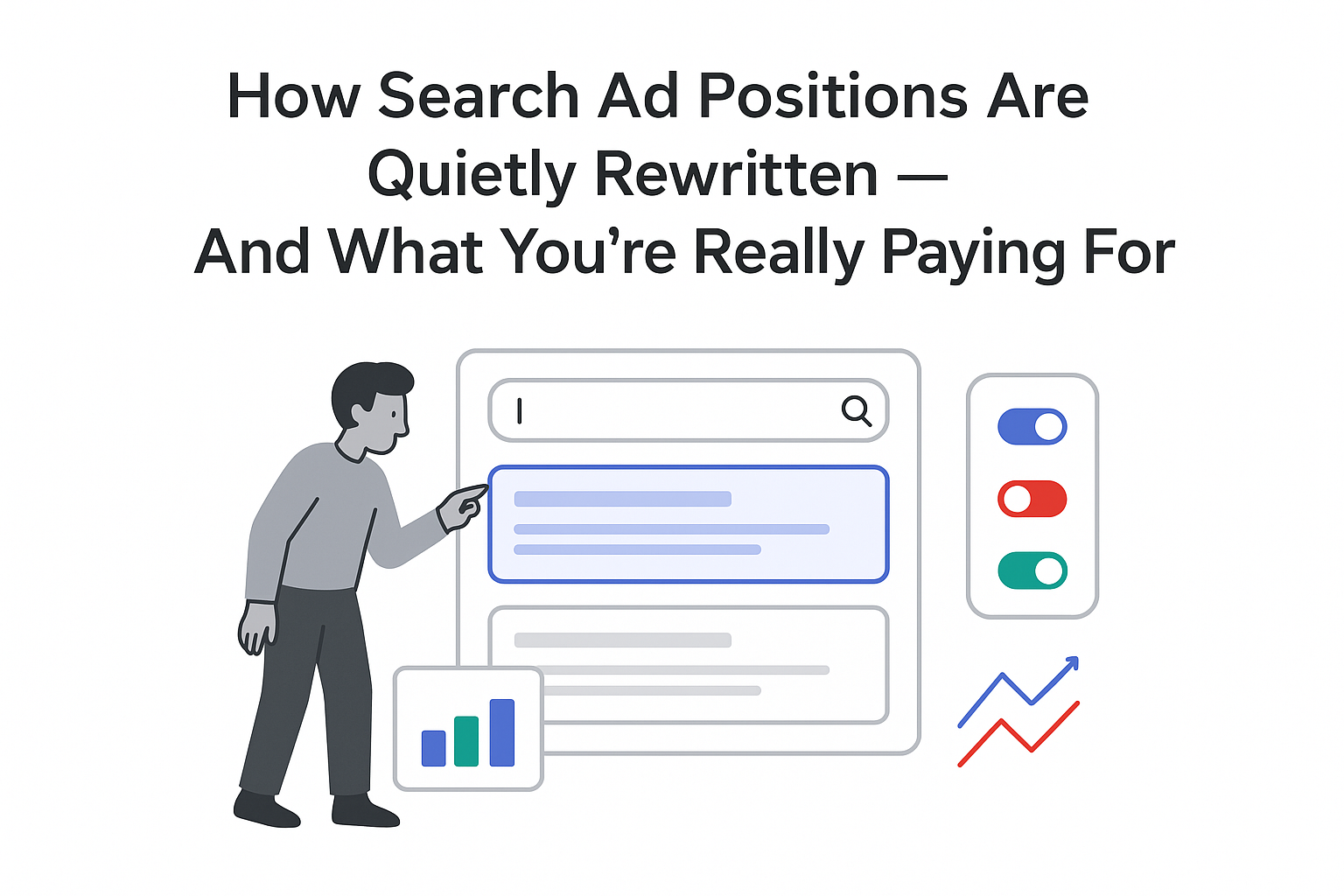
Google has released the third episode of its Ads Decoded video series, focused on Google Search ad experiences. The episode features Google Ads leaders explaining how ad formats and controls are designed for both users and advertisers. It is available in the Google Ads section of Google's official Ads & Commerce blog.
Key Details on Ads Decoded Episode 3
The episode centers on recent and ongoing changes to how Search ads are presented and controlled, and how Google evaluates new formats before wider release.
- The program is hosted by Ginny Marvin, who leads the discussion throughout the episode.
- Guests include Ads UI Product Manager Abby Butler and Search Ads UX Lead Adam Bullock.
- The speakers describe situations where a text asset supplied as a headline may instead appear as a sitelink in Search results.
- The episode explains that Google has introduced a button that lets people hide individual Search ads from their view.
- They outline the data points and internal review steps required before a new Search ad format reaches global rollout.
- They state that supporting user choice and control can help build long-term trust and what they call "better advertiser ROI".
- The discussion advises advertisers to focus on supplying a broad set of creative assets instead of optimizing for impressions of any single asset.
Background Context
Ads Decoded is a Google-produced series that explains how its advertising products and systems work. Previous episodes have covered other Google Ads topics before this focus on Search ads experiences. The third episode adds more detail on how automated ad systems behave in real campaigns.
Google Search ads appear alongside search results and are labeled with indicators such as "Sponsored". Advertisers provide multiple text assets, including headlines and descriptions, which Google's systems can combine in different ways. These formats allow Search ads to adapt layout and content to different query types and device screens.
Responsive Search ads in Google Ads accounts assemble combinations of assets to match varied user queries. This can result in the same asset appearing in different positions, such as headlines or sitelinks. That behavior explains why advertisers may see text originally entered as a headline show elsewhere within the same ad.
Google has for years offered controls that let people manage how ads appear in their Search experience. These controls include options to hide individual ads and provide feedback on why specific ads were shown. The new hide button discussed in the episode continues this pattern of adding user-level controls to Search ads.
Source Citations
Details on Ads Decoded episode 3 and related Search ads updates come directly from Google's official communications. The episode announcement appears in the Google Ads section of the company's Ads & Commerce blog.
- Google Ads & Commerce blog - Google Ads section: https://blog.google/products/ads-commerce/
- Google Ads Help Center: https://support.google.com/google-ads/







.svg)

.svg)
.svg)