
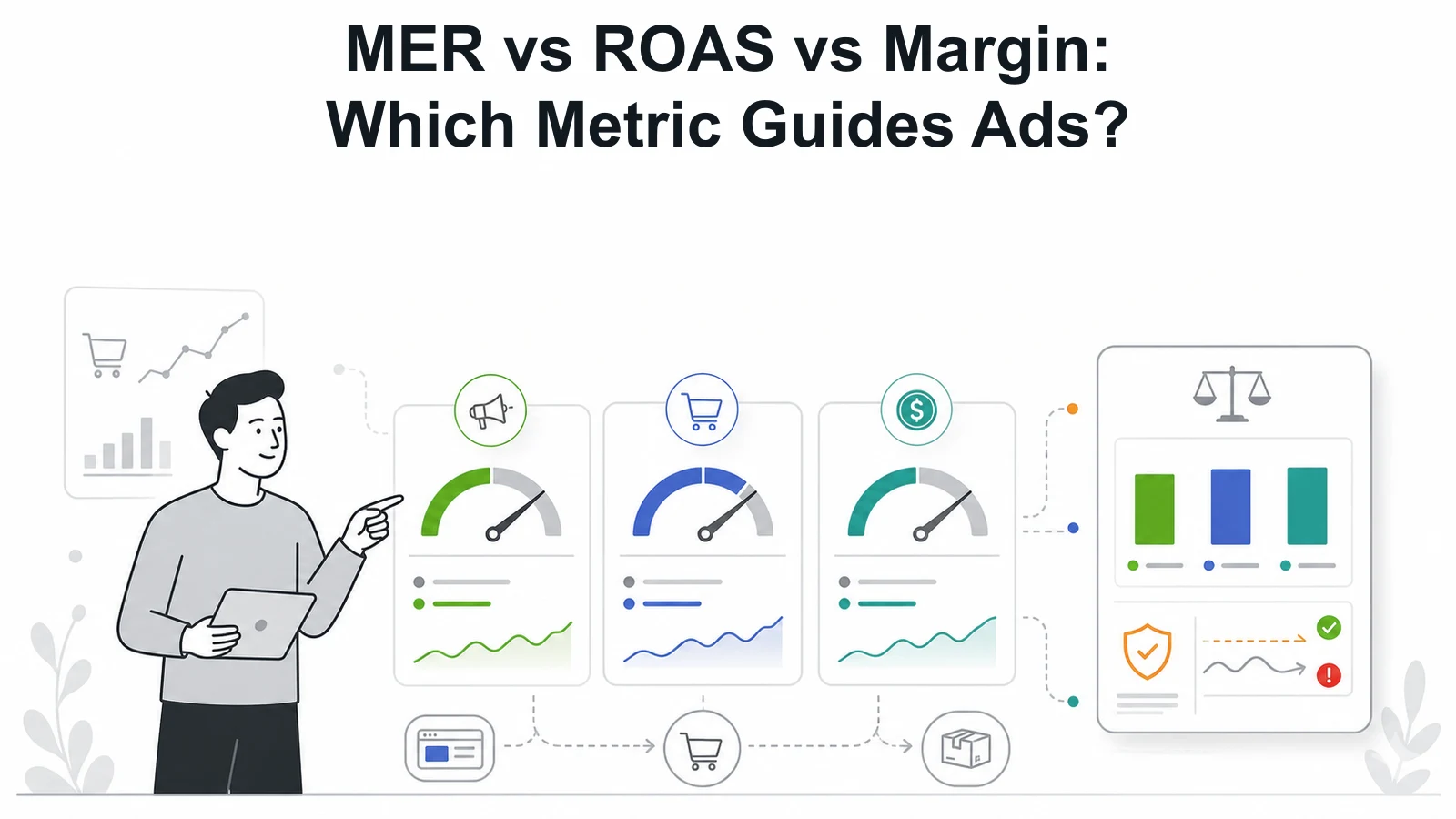
MER, ROAS, and margin are often discussed like competing metrics. They are better treated as different lenses.
For Google Ads, the mistake is letting the platform metric make the business decision alone. The account can optimize toward a reported conversion while the business still loses margin, buys demand it already had, or starves the campaigns that create future growth.
What each metric is good for
ROAS is useful inside the ad account because it compares attributed revenue to ad spend. MER is useful at the blended business level because it compares total revenue to total media spend. Margin is the guardrail because revenue without contribution profit is not a scaling plan.
- Use ROAS to diagnose campaigns, product groups, search intent, and bidding behavior.
- Use MER to understand whether total media spend is moving the business efficiently.
- Use margin to decide whether the revenue is worth buying.
Why ROAS alone can distort Google Ads
Google Ads can report attractive ROAS on branded, returning, remarketing, or low-volume campaigns. Those views can be true and still weak as a scaling guide.
If the next budget increase goes into broader acquisition, the blended economics can change quickly. The account-level ROAS target may protect short-term efficiency while limiting the campaigns that could reach new customers.
When MER becomes the main check
MER becomes more useful as the business thinks beyond one campaign. It helps show whether total spend is creating enough total revenue after channels overlap, attribution shifts, and remarketing captures demand influenced elsewhere.
MER is not perfect. It can hide channel detail. Use it to set the business boundary, then use campaign metrics to find the cause.
The practical order
Start with margin. If the business cannot afford the sale, the channel metric is not saving the decision. Then look at MER to see whether total spend is directionally healthy. Use ROAS after that to diagnose where Google Ads is helping, leaking, or being asked to do the wrong job.
The best metric is the one that matches the decision. For scaling, that usually means margin and MER set the guardrails, while ROAS explains the account mechanics.
Use each metric for its proper decision
MER, ROAS, and margin are useful because they answer different questions. ROAS asks how much attributed revenue the ad platform reports for the spend. MER asks whether total media spend is producing enough total revenue. Margin asks whether the revenue can support the cost of acquisition after the business pays for the product, delivery, fees, discounts, refunds, and operating cost that matter to the decision.
Trouble starts when one metric is asked to do all three jobs. A ROAS target can protect short-term account efficiency while hiding weak new-customer growth. MER can show blended health while hiding a campaign-level leak. Margin can stop bad scaling decisions, but it does not explain which query, product, or campaign caused the issue.
The practical answer is to assign a job to each metric. Margin sets the commercial floor. MER sets the blended media guardrail. ROAS helps diagnose the ad account.
What happens when ROAS leads the whole plan
A Google Ads account can be optimized into a comfortable corner. Campaigns that capture brand demand, returning customers, or already-warm traffic may protect the reported ROAS. Broader acquisition campaigns may look weaker because they are doing harder work. If the business only rewards ROAS, the account can drift toward harvesting existing demand.
That can be fine for a defensive campaign role. It is risky when the business expects incremental growth. The team may keep budgets tight on campaigns that could find new customers while overvaluing campaigns that would have received conversions anyway.
ROAS also changes by product mix. A category with strong revenue but thin margin may look attractive in-platform and weak in the business model. A lower-ROAS campaign may be more useful if it sells higher-margin products, attracts new customers, or supports repeat purchase economics.
How MER helps the operator view
MER is useful because it steps outside the ad platform. It asks whether the business is getting enough revenue for the total amount spent on media. It catches situations where one channel reports strong returns while the whole business becomes less efficient.
MER is strongest when attribution is messy, channels overlap, or remarketing captures demand created elsewhere. It gives the team a blended boundary. If total media spend rises and total revenue does not move enough, the business has a problem even if one platform view looks good.
MER still needs context. It can weaken during a deliberate acquisition push, a product launch, or a testing period. It can improve because retention, email, or brand demand carried the month. Use MER to ask better questions, then go back into channel and product data to find the cause.
A simple operating dashboard
A practical Google Ads dashboard should show margin or contribution view by product group, blended MER, platform ROAS by campaign role, new customer share, spend by brand and non-brand, and revenue quality where the data exists. The exact fields can vary, but the dashboard should make it hard to confuse attributed revenue with profitable growth.
Use the dashboard in sequence. First, confirm the business can afford the sale. Then check whether total media spend is moving the business in the right direction. Then inspect ROAS, search terms, product groups, bidding, and landing pages to understand what to change.
When the metrics disagree, do not average them into a vague answer. Treat disagreement as a signal. High ROAS with weak MER suggests demand harvesting or attribution inflation. Strong MER with weak ROAS may suggest channel influence outside the platform view, retention strength, or undercounted conversions. Healthy margin with weak volume may point to a demand problem. Each combination leads to a different action.
Review the dashboard at the same decision cadence as budget changes. Daily noise can push the team into reactive edits. Monthly review can be too slow when spend is moving quickly. Weekly is often enough for controlled scaling, with deeper monthly finance context.
The dashboard should also record the decision made from the numbers. A report that only stores metrics creates history without accountability. Add the budget move, campaign role, product group, owner, and review date beside the metric set so the next discussion can judge the decision, not only the chart.
.svg)
